

You open WhatsApp to message a friend. You type notes in Google Docs. You watch a video on YouTube, edit a photo, then check your bank balance. Each of those tasks feels different. But they share one thing.
Every one of them runs on application software.
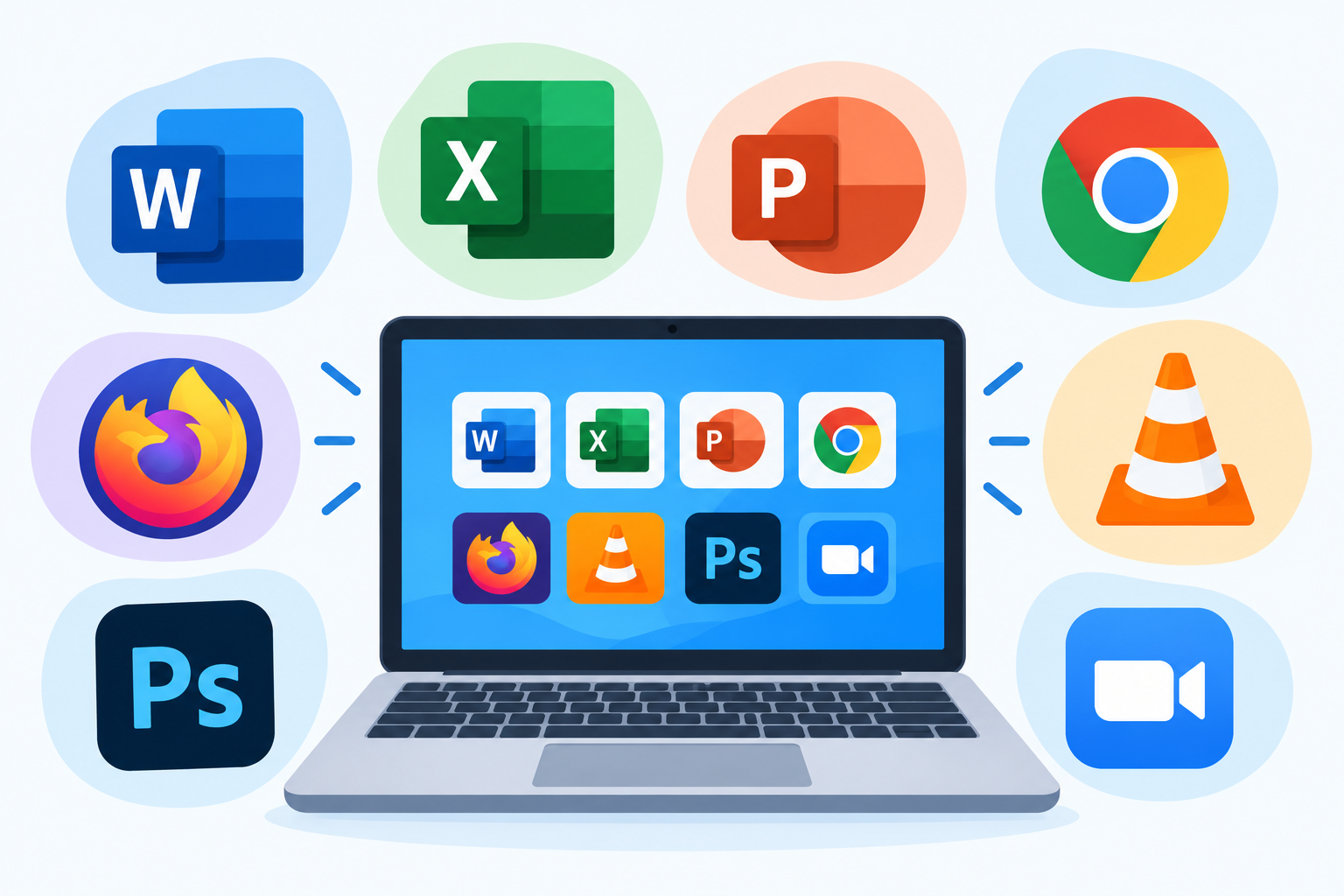
Application software is the part of the computer you actually work with. It’s the calculator, the browser, the game, the spreadsheet. If a program helps you get something specific done, it’s almost certainly an application.
This guide breaks down what application software is, how it works, the main types, real examples, and why it matters in everyday life.
Application Software At a Glance
| Detail | Information |
|---|---|
| Topic | Application Software |
| Also Known As | Application program, app, end-user software |
| Main Purpose | Helps users perform specific tasks |
| Runs On | System software (operating system) |
| Common Examples | MS Word, Chrome, WhatsApp, Excel, Photoshop, Spotify |
| Available On | Desktops, laptops, smartphones, tablets, the web |
| Key Types | Productivity, communication, multimedia, educational, business, gaming |
| Target Readers | Students, beginners, everyday tech users |
What Is Application Software?
Application software is a program, or a group of programs, built to help a user complete a specific task. Writing a letter. Sending an email. Editing a video. Tracking expenses.
Think of your computer as a house. The foundation and wiring keep it standing and powered. Application software is the furniture and appliances you actually use every day.
To understand where apps fit, it helps to know the bigger picture first. All programs fall under one umbrella term. If you’re new to the basics, start with this guide: What Is Software? Types, Examples, and Uses.
According to Encyclopaedia Britannica’s overview of software, software is split into two main types: system software and application software. Britannica explains that application software carries out commands given by the user and covers any program that processes data for a person. It lists word processors, spreadsheets, database tools, and inventory and payroll programs as classic examples.
Application Software vs System Software
This is where most beginners get confused. So let’s keep it simple.
- System software runs the computer itself. It manages memory, storage, hardware, and devices. You rarely interact with it directly.
- Application software runs on top of system software. It’s what you open, click, and use to get work done.
Here’s a quick comparison:
| Feature | System Software | Application Software |
|---|---|---|
| Main Job | Runs and manages the computer | Helps users do specific tasks |
| User Interaction | Mostly works in the background | Direct and hands-on |
| Dependency | Runs independently | Needs system software to work |
| Installed When? | Usually comes with the device | Installed by the user as needed |
| Examples | Windows, macOS, Android, device drivers | Chrome, MS Word, Zoom, VLC |
Without an operating system, your apps have nowhere to run. Want the full story on the background layer? Read What Is System Software? Types and Examples.
How Does Application Software Work?
You don’t see it, but a lot happens when you tap an app icon.
- You give a command. You click “Save” or tap “Send.”
- The app talks to the operating system. It asks for memory, storage, or access to the screen and keyboard.
- The system software handles the hardware. It writes the file, displays the result, or connects to the internet.
- You see the result. Your document is saved. Your message is delivered.
TechTarget’s definition of an application explains this relationship clearly. It notes that applications depend on the operating system and other supporting programs for basic resources like memory and storage. Apps also communicate with other technologies through APIs (application programming interfaces).
Main Types of Application Software
Apps come in many shapes. Here are the most common categories you’ll meet.
1. Productivity Software
These help you create, organize, and manage work.
- Word processors: Microsoft Word, Google Docs, Apple Pages
- Spreadsheets: Microsoft Excel, Google Sheets
- Presentations: PowerPoint, Google Slides, Keynote
- Note-taking and task apps: Notion, Evernote, Todoist
This is the biggest category for students and office workers. Dive deeper here: What Is Productivity Software? Types and Examples.
2. Communication Software
These connect people.
- Messaging: WhatsApp, Telegram, Messenger
- Email: Gmail, Outlook
- Video calls: Zoom, Google Meet, Microsoft Teams
3. Web Browsers
Browsers are your gateway to the internet.
- Google Chrome
- Mozilla Firefox
- Microsoft Edge
- Safari
4. Multimedia Software
For watching, listening, and creating media.
- Media players: VLC, Windows Media Player
- Music streaming: Spotify
- Video editing: Adobe Premiere Pro, CapCut
- Audio editing: Audacity
5. Graphics and Design Software
For images, drawings, and designs.
- Adobe Photoshop
- Canva
- Figma
- GIMP
6. Educational Software
Built for learning.
- Duolingo (languages)
- Khan Academy (school subjects)
- Google Classroom (class management)
7. Business and Enterprise Software
Used by companies to run operations.
- Accounting: QuickBooks
- Customer management (CRM): Salesforce
- Business planning (ERP): SAP
- Project management: Trello, Asana
8. Gaming Software
Pure entertainment, and often seriously advanced technology.
- PUBG Mobile
- Minecraft
- FIFA / EA Sports FC
Other Ways to Classify Applications
Apps can also be grouped by how they’re built, licensed, or who they serve.
By platform:
- Desktop apps install on a computer (e.g., MS Word).
- Mobile apps run on phones and tablets (e.g., Instagram).
- Web apps run inside a browser with no install (e.g., Google Docs).
By development style:
- Native apps are built for one specific platform and can use device hardware like the camera or GPS.
- Web apps run in the browser and can’t directly access the device’s hardware.
- Hybrid apps mix both approaches.
By license:
- Proprietary: Owned by a company. You buy or license it but can’t change the code (e.g., Adobe Photoshop).
- Open source: The code is public, so anyone can use and modify it (e.g., WordPress, VLC).
- Freeware: Free to use, but the code stays closed (e.g., Zoom’s free plan).
By audience:
- Horizontal apps serve almost everyone across industries (word processors, browsers).
- Vertical apps serve one specific industry (a hospital’s medical billing system).
Everyday Uses of Application Software
Look at a normal day. Apps are everywhere.
- Studying: Writing assignments, watching lectures, taking online quizzes
- Working: Making reports, managing spreadsheets, joining meetings
- Banking: Paying bills, transferring money, checking balances
- Shopping: Ordering food, buying clothes, tracking deliveries
- Health: Booking doctor appointments, counting steps, tracking sleep
- Travel: Navigating with Google Maps, booking rides and tickets
- Entertainment: Streaming music, watching videos, playing games
- Creating: Editing photos, designing posters, recording podcasts
Remove application software, and most of these tasks would go back to paper, phone calls, or long trips to a physical office.
Key Features of Good Application Software
Not every app is a good app. The best ones usually share these traits:
- Easy to use: A clean interface that beginners understand quickly
- Task-focused: Does its main job really well
- Reliable: Doesn’t crash or lose your data
- Secure: Protects personal information and passwords
- Regularly updated: Gets bug fixes and new features
- Compatible: Works across devices and file formats
Advantages and Disadvantages
Advantages
- Saves time on everyday tasks
- Makes complex work (like video editing) possible for regular people
- Huge variety for almost every need
- Many great options are free
Disadvantages
- Some apps are expensive or need monthly subscriptions
- Can collect personal data
- Too many apps can slow down a device
- Fake or pirated apps may carry malware
Safety tip: Download apps only from trusted sources like the Google Play Store, Apple App Store, or the developer’s official website.
Quick Recap
- Application software helps you complete specific tasks.
- It runs on top of system software like Windows or Android.
- Common types include productivity, communication, multimedia, educational, business, and gaming apps.
- Apps can be desktop, mobile, or web-based.
- They can be proprietary, open source, or freeware.
Final Thoughts
Application software is the part of technology you feel most. It’s the tools you open every morning and the games you play at night. Once you understand the difference between apps and the system underneath them, the whole world of computing starts to make sense.
Next time you tap an app icon, you’ll know exactly what’s happening behind the screen.
Disclaimer
This article is for general informational and educational purposes only. App names, features, pricing, and availability mentioned here may change over time. Brand names are used only as examples and do not imply endorsement. Always download software from official and trusted sources, and review an app’s privacy policy before installing it.